Clip
Batch-cut short videos from subtitle hotclips — pick the moments, get a batch of ready-to-post clips.
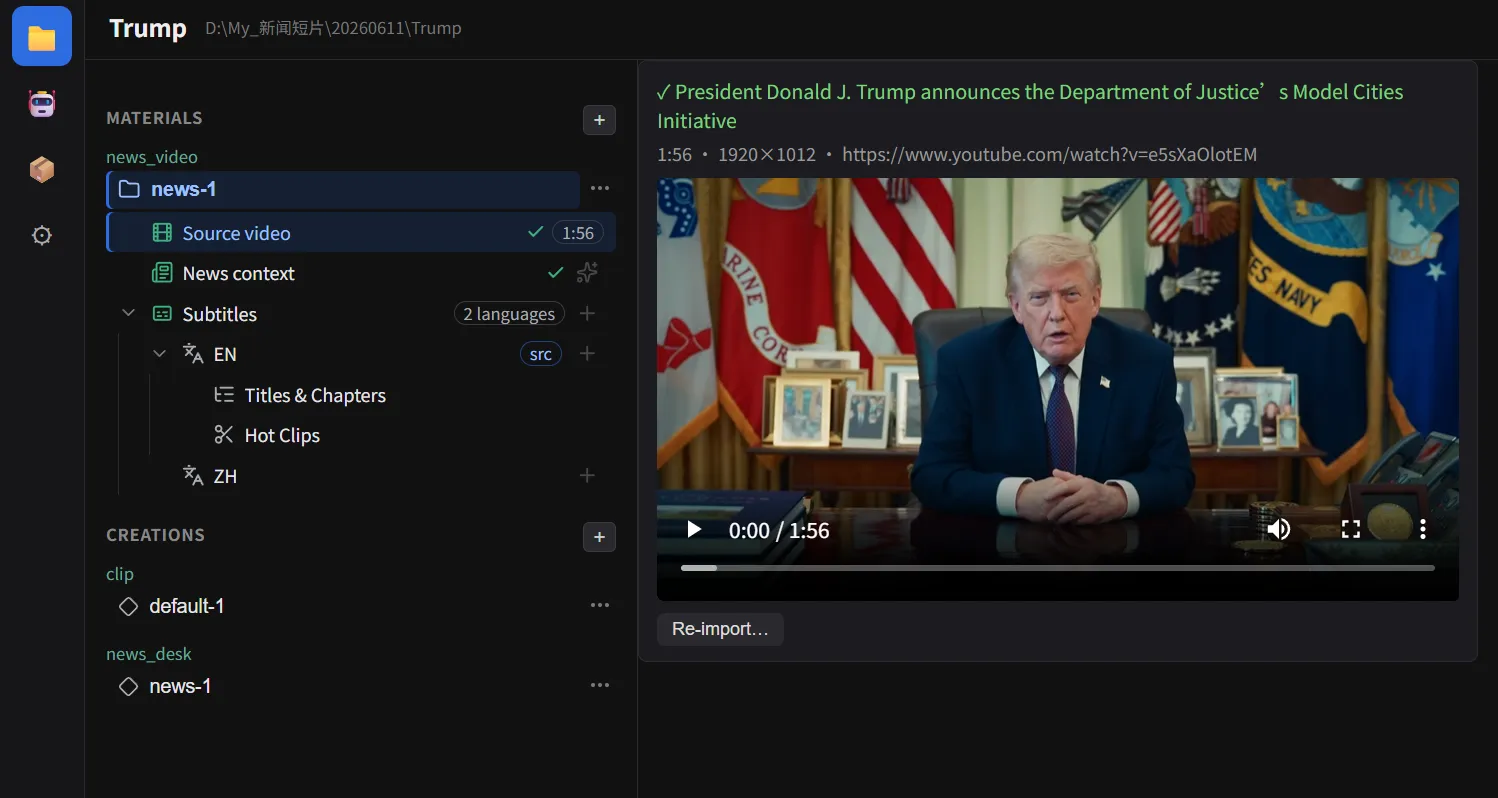
The project hub: one source video per project, subtitles and chapters as materials, creations derived from them.
Clip
Batch-cut short videos from subtitle hotclips — pick the moments, get a batch of ready-to-post clips.
News Desk Video
Turn news / speech / press-briefing footage into a finished video with bilingual subtitles, lower-third name plates, and a chapter strip.
Full subtitle pipeline
Speech-to-text (ASR), SRT import, translation, quality-check with auto-fix, and styled burn-in (font / color / size / position / stroke / background).
Works out of the box
ffmpeg ships inside the installer. The core video features need no account and no API key.
AI optional — three tiers
Built-in local models (offline, no key), your self-hosted aistack gateway, or your own cloud API keys. Pick any tier, mix freely, skip all of it.
Portable per-user install
No admin rights needed. Installs per-user and keeps its data right beside the app — move the whole folder freely.
⚠️ Early stage (
0.x) — features are evolving fast. Feedback is welcome via GitHub Issues.
VideoCraft is open source under the MIT License, maintained by dosmoon.